
When signed in to CrossModel you are redirected to your workspace overview:
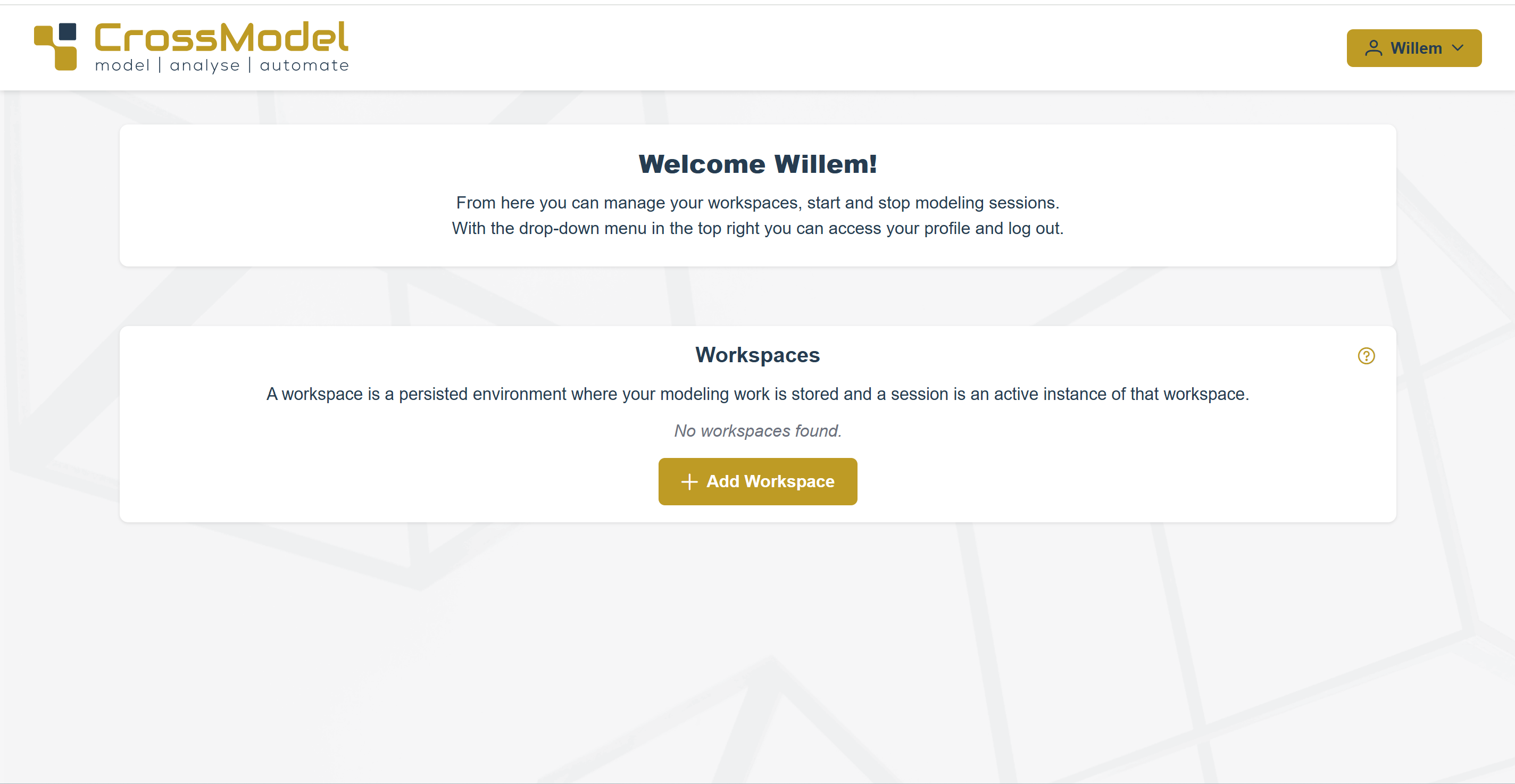
In this workspace overview you can create multiple workspaces. This enables you to work on different projects or different features within a project in parallel without switching back and forth, you can also use a different version of CrossModel for each workspace, giving you control on how to migrate to a new release without the need for installing software on your local computer.
Press the Add Workspace button, select a CrossModel version and give the workspace a label so you can distinguish it later when you have created multiple workspaces:
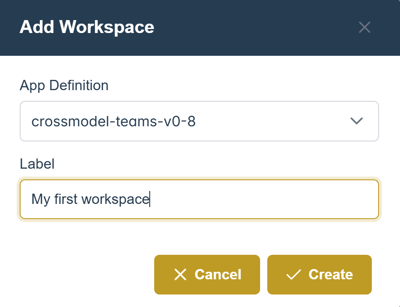
Hit Create and your workspace appears in the overview:

Now you can start or delete the workspace. Starting a workspace wil open it in a new browser window or tab.
Make sure to allow popups from CrossModel.cloud otherwise, when you press start, you will not get the new browser tab with your CrossModel workspace.